

Visualizing Productivity
Giving content teams visibility into planning and workflow operations
Role: Senior UX Designer
Team: Product, Engineering
Platform: Enterprise Saas
Focus: Workflow Visualization
Calendar and Kanban Operational Hub
Content teams needed more than a place to create and store content. They also needed visibility into planning, schedules, workflow movement, and blockers across teams.
This work focused on turning Contentstack into a stronger operational system by creating planning experiences that supported real team behavior without adding unnecessary complexity.
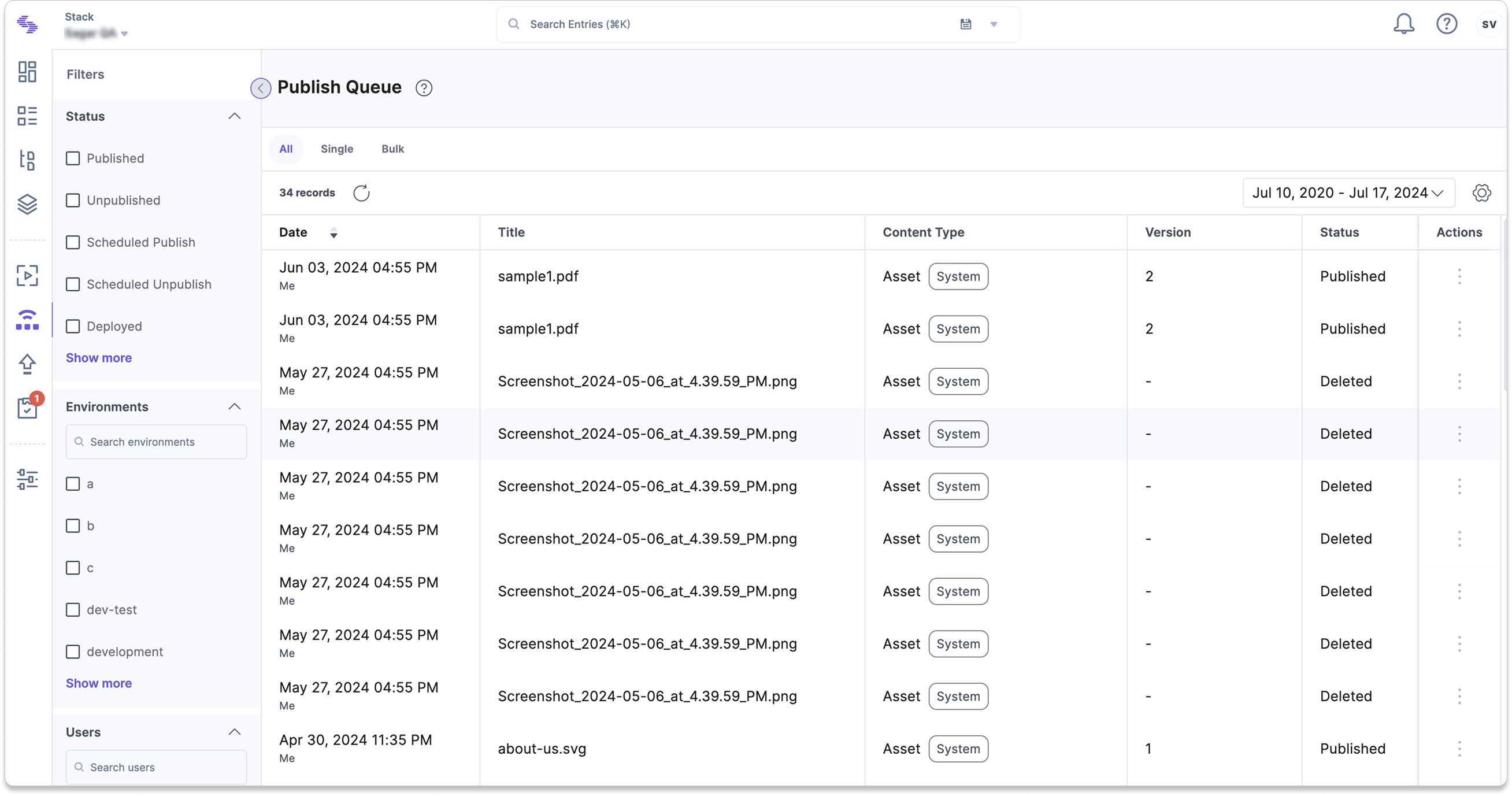
Critical workflow actions were scattered across the product
Release list: Review past and upcoming releases
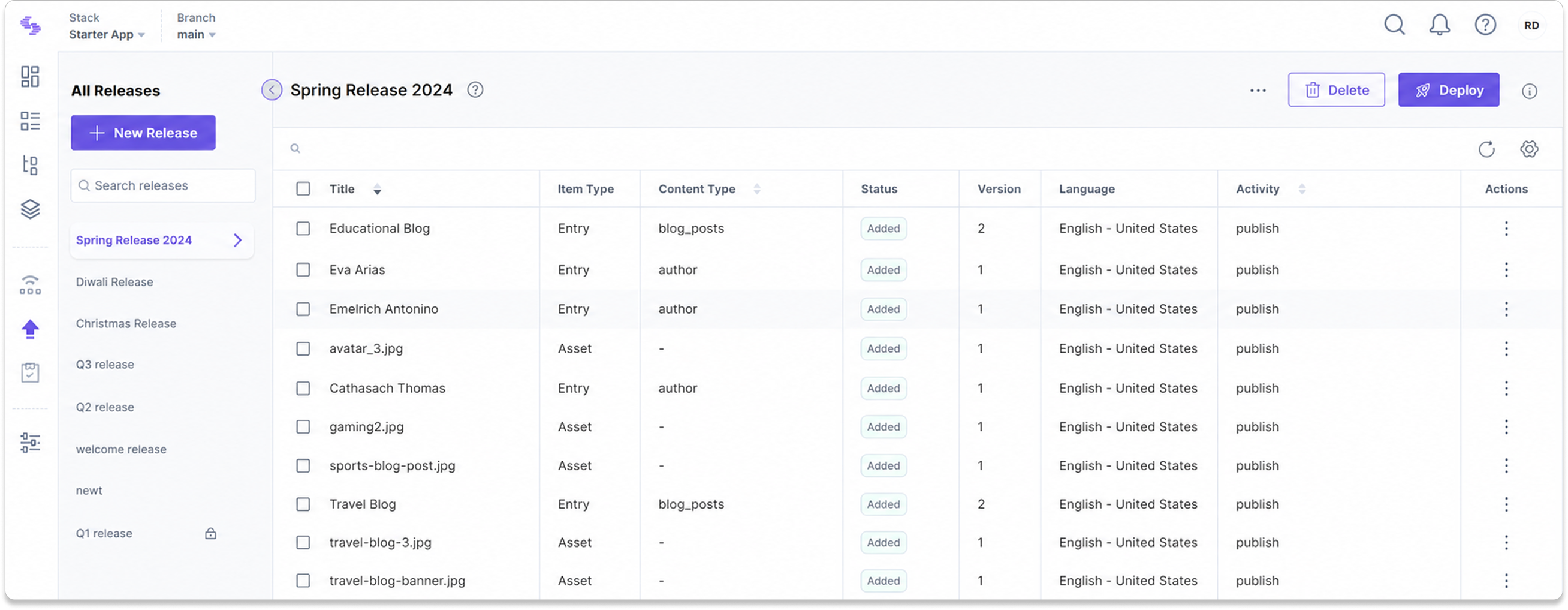
Tasks list: Track pending and overdue tasks
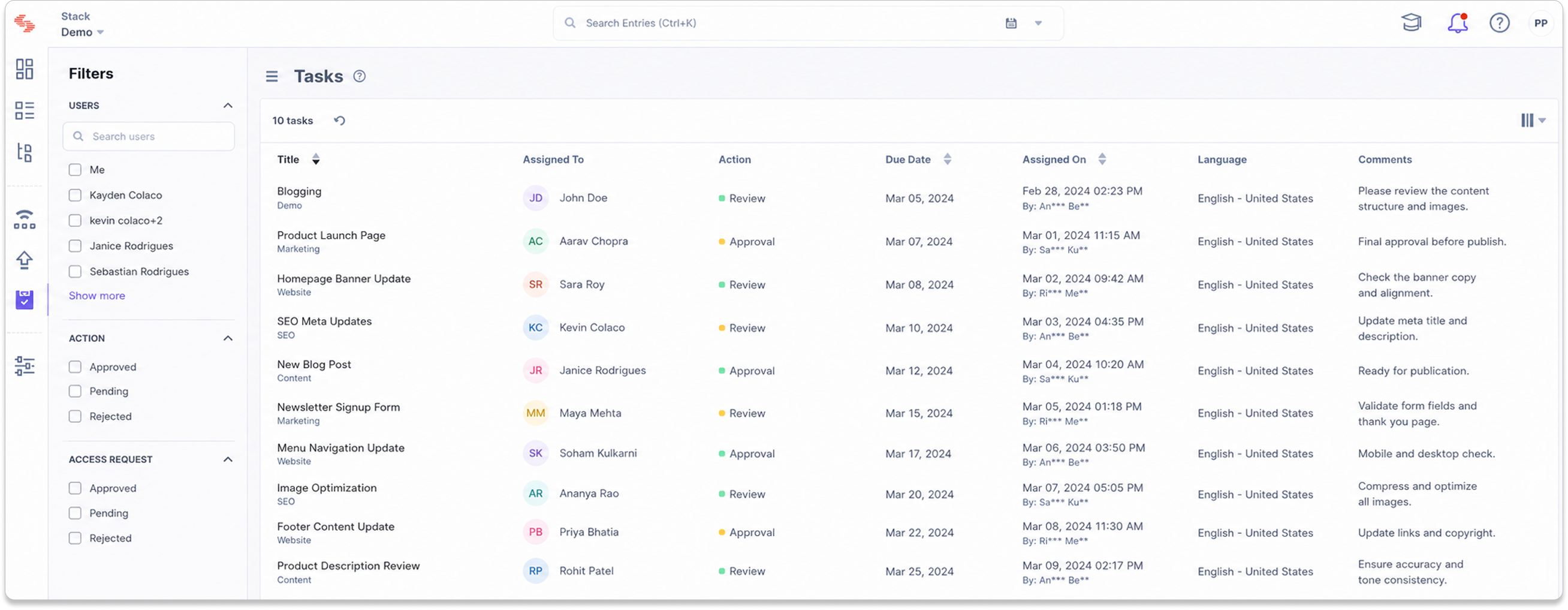
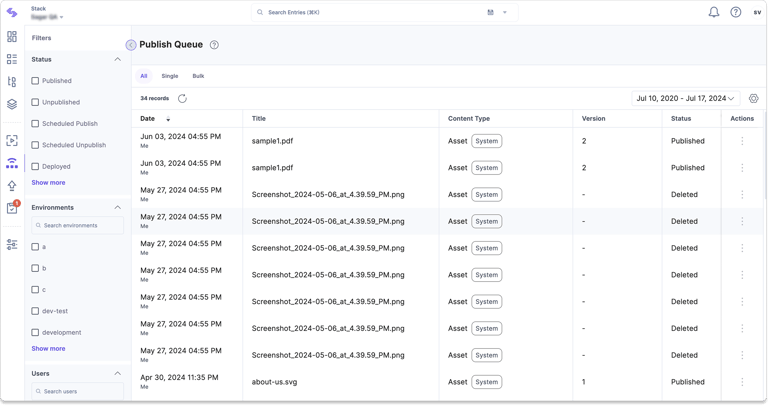
Publish queue: Monitor scheduled and completed publishing activities
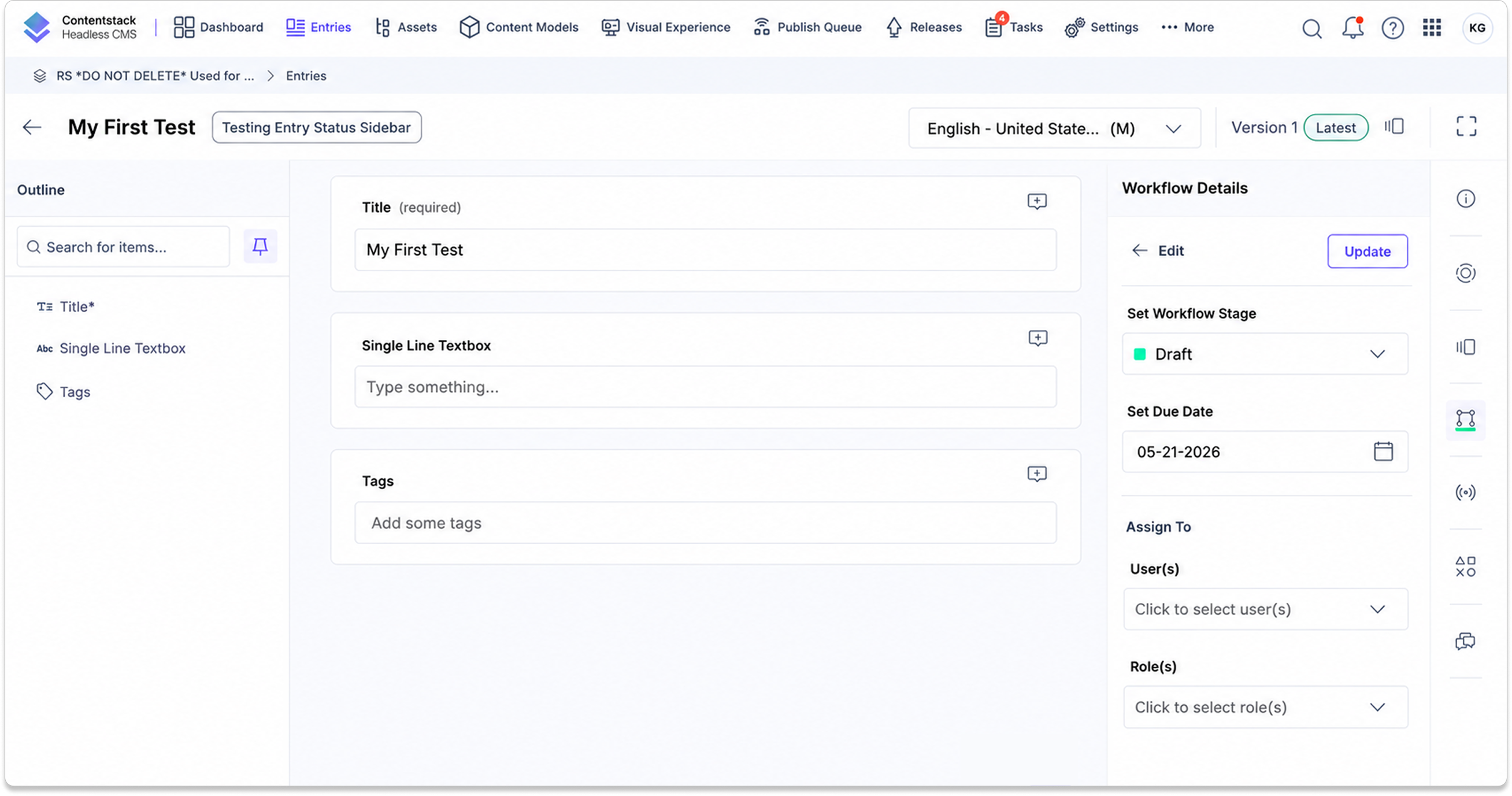
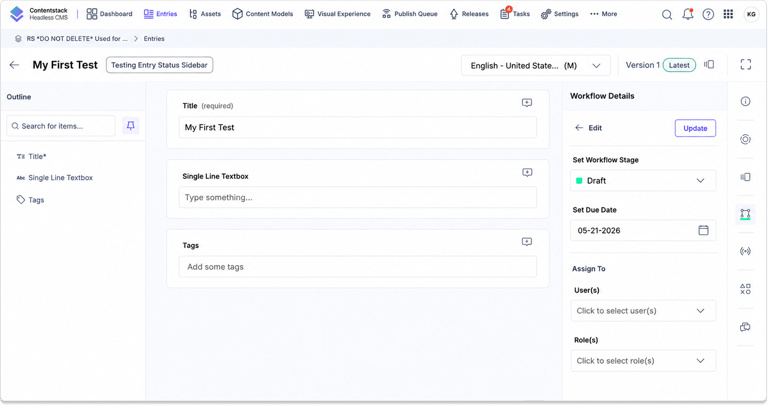
Entry editor: Update workflow stages and manage assignments
Why this mattered
Content teams did not only need a place to store content. They needed a way to understand what was happening across schedules, releases, tasks, and workflows. Without this visibility, editors had to open entries one by one just to understand operational status.
The problem
The CMS stored content well, but it did not give teams a strong operational view. Users needed to know what was scheduled, what was moving through workflows, and where work was blocked.
Key Challenges:
Limited visibility into scheduled content
Difficult to track workflow progress
Switching between multiple views and tools
Balancing detailed information with quick scanning
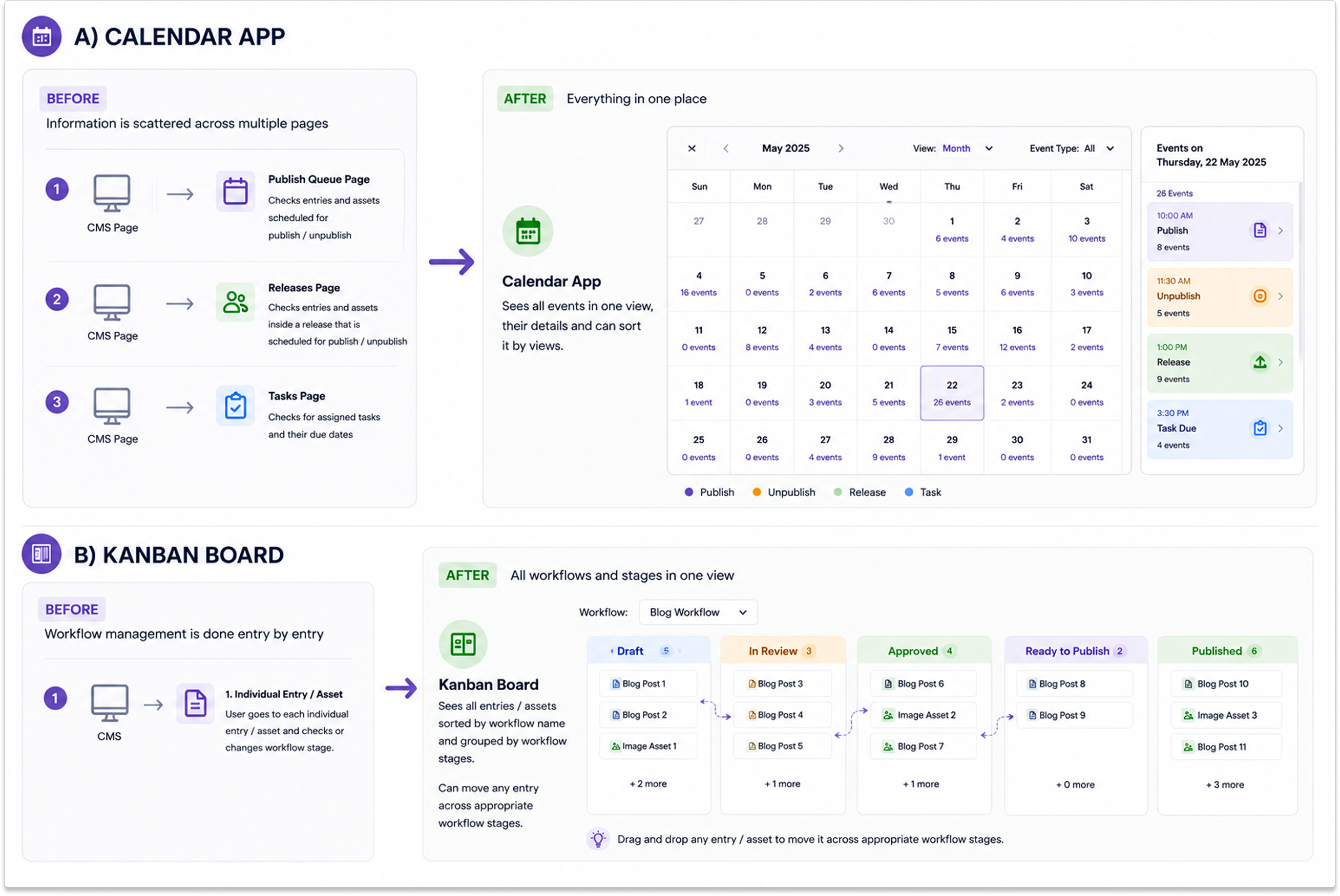
From fragmented workflows to a unified experience
Design approach for consolidating workflow actions through Calendar and Kanban experiences.
The tension
It would have been easy to copy Google Calendar or Jira. But content operations are different. CMS entry names are often long, workflows have permissions, and teams do not always need every detail visible at once. Too much information would make the interface harder to use.
What we did
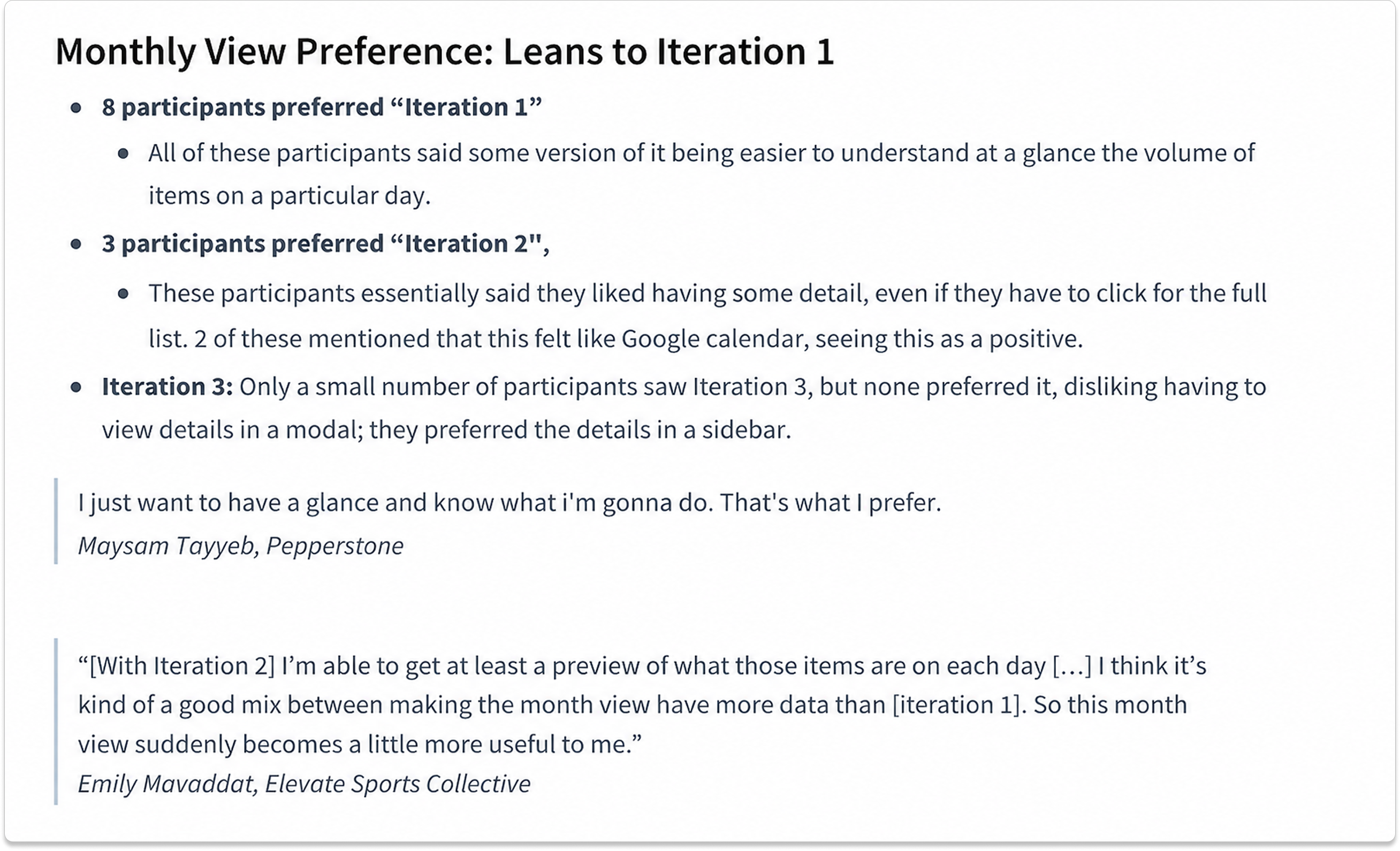
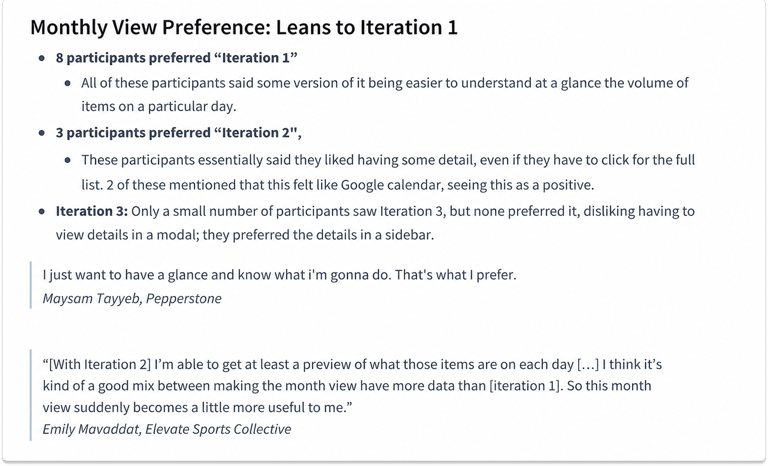
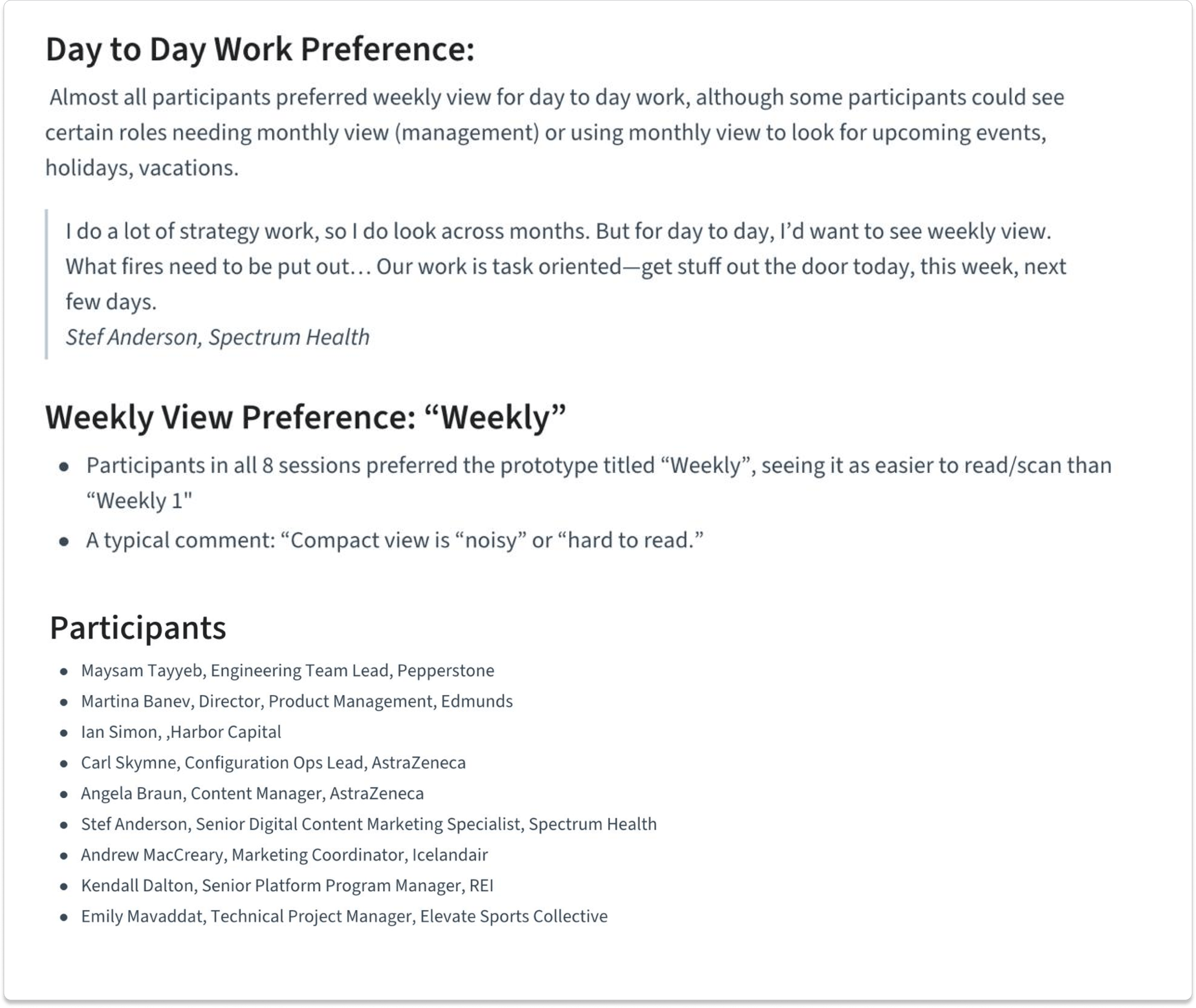
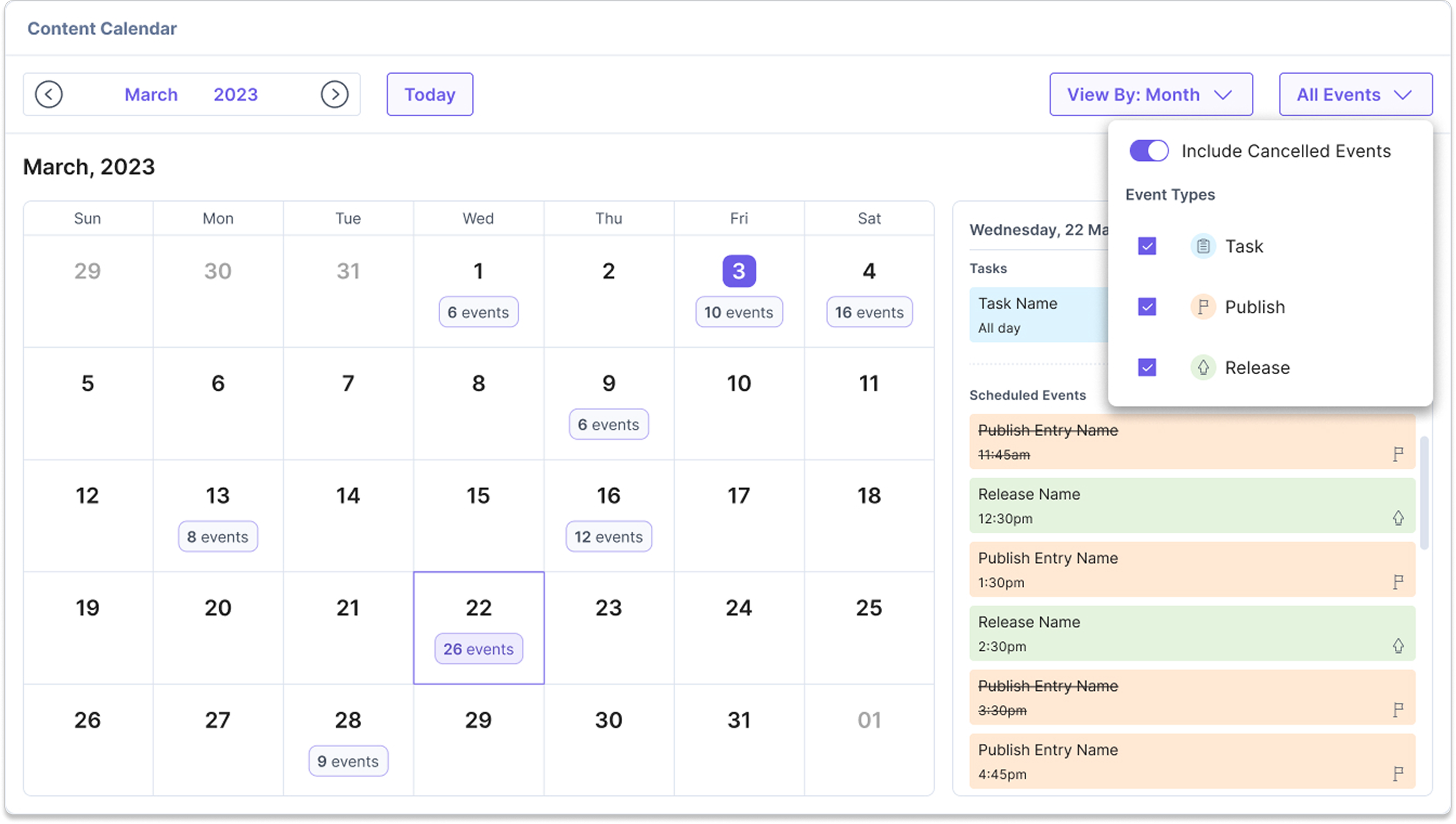
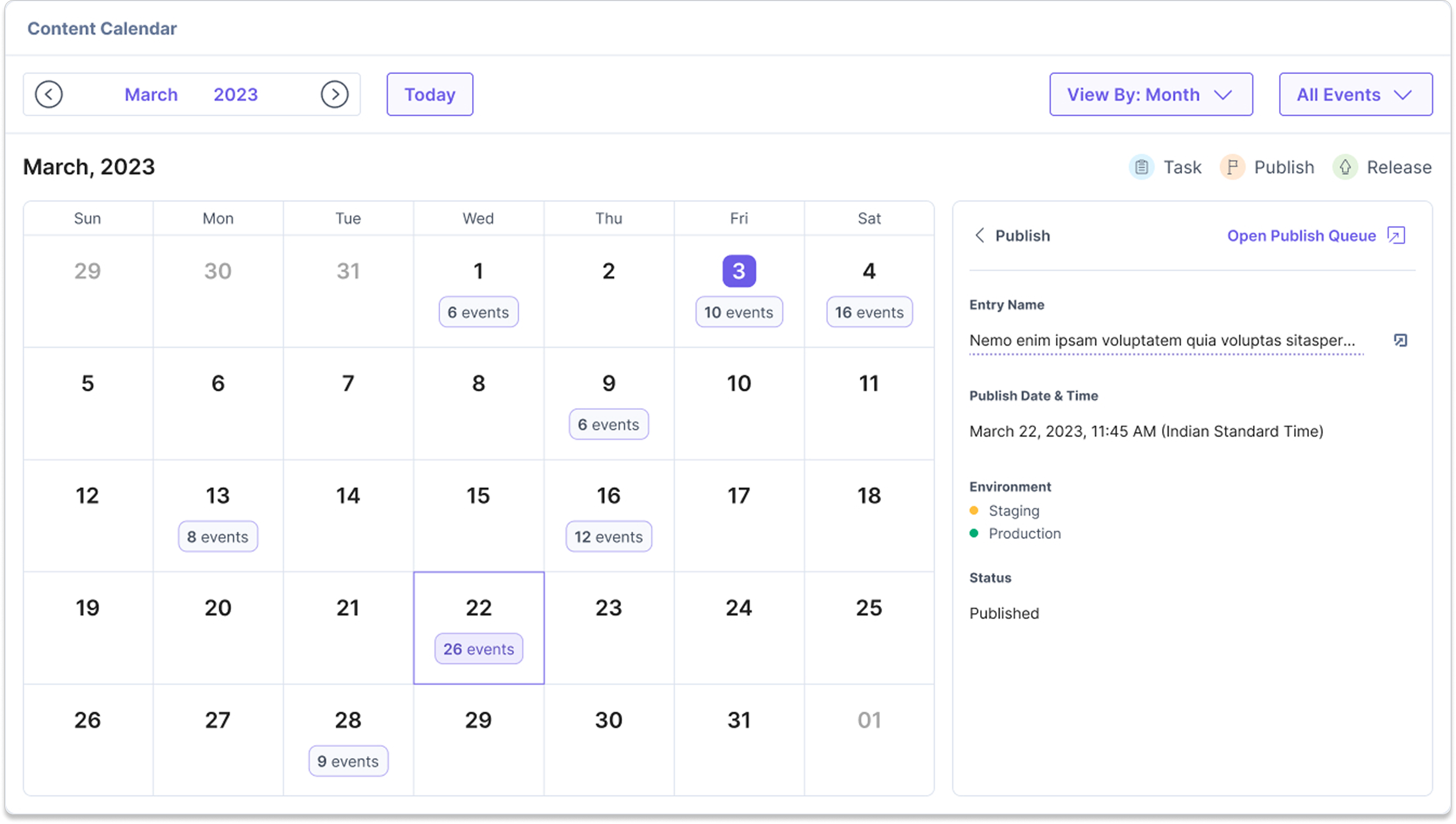
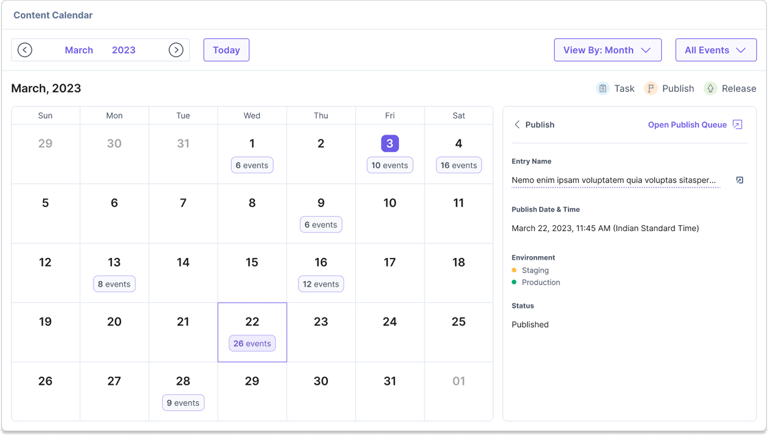
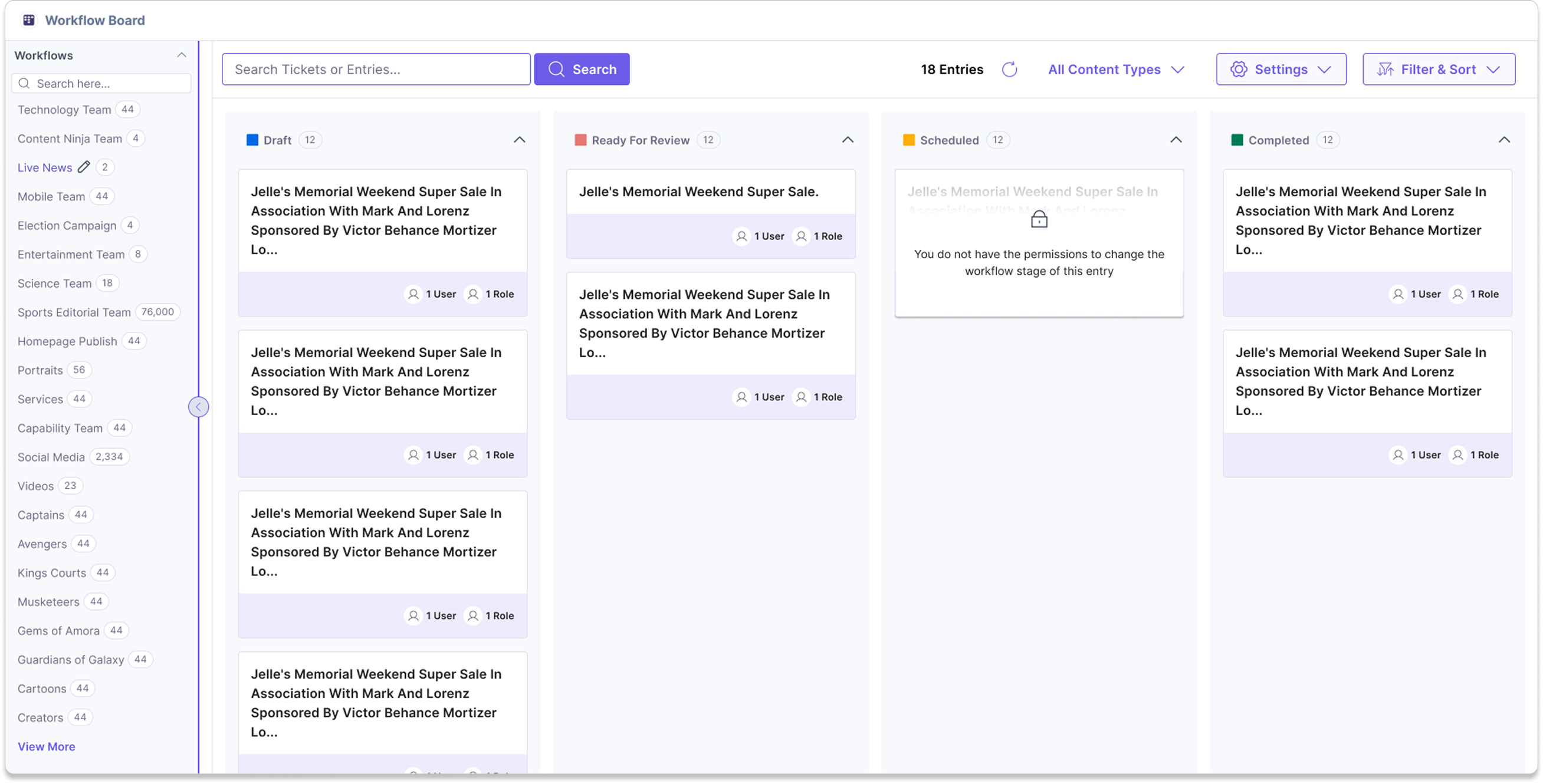
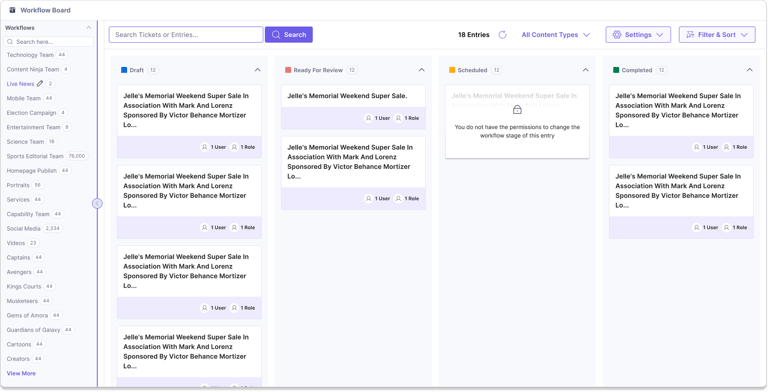
For Calendar, we tested whether users wanted dense event details inside date cells or a cleaner view with details shown only when needed. We found that users preferred a simpler calendar with event counts on dates and detailed information in a side panel. For Kanban, we focused on workflow visibility and movement, not building a full Jira clone. Users could view entries across stages, move eligible entries, and understand why certain entries could not move.
Key Contributions:
Designed Calendar and Kanban planning experiences
Created multiple planning views for different workflows
Designed intuitive interactions for scheduling and task management
Balanced information density with efficient scanning
User research insights that shaped design decisions
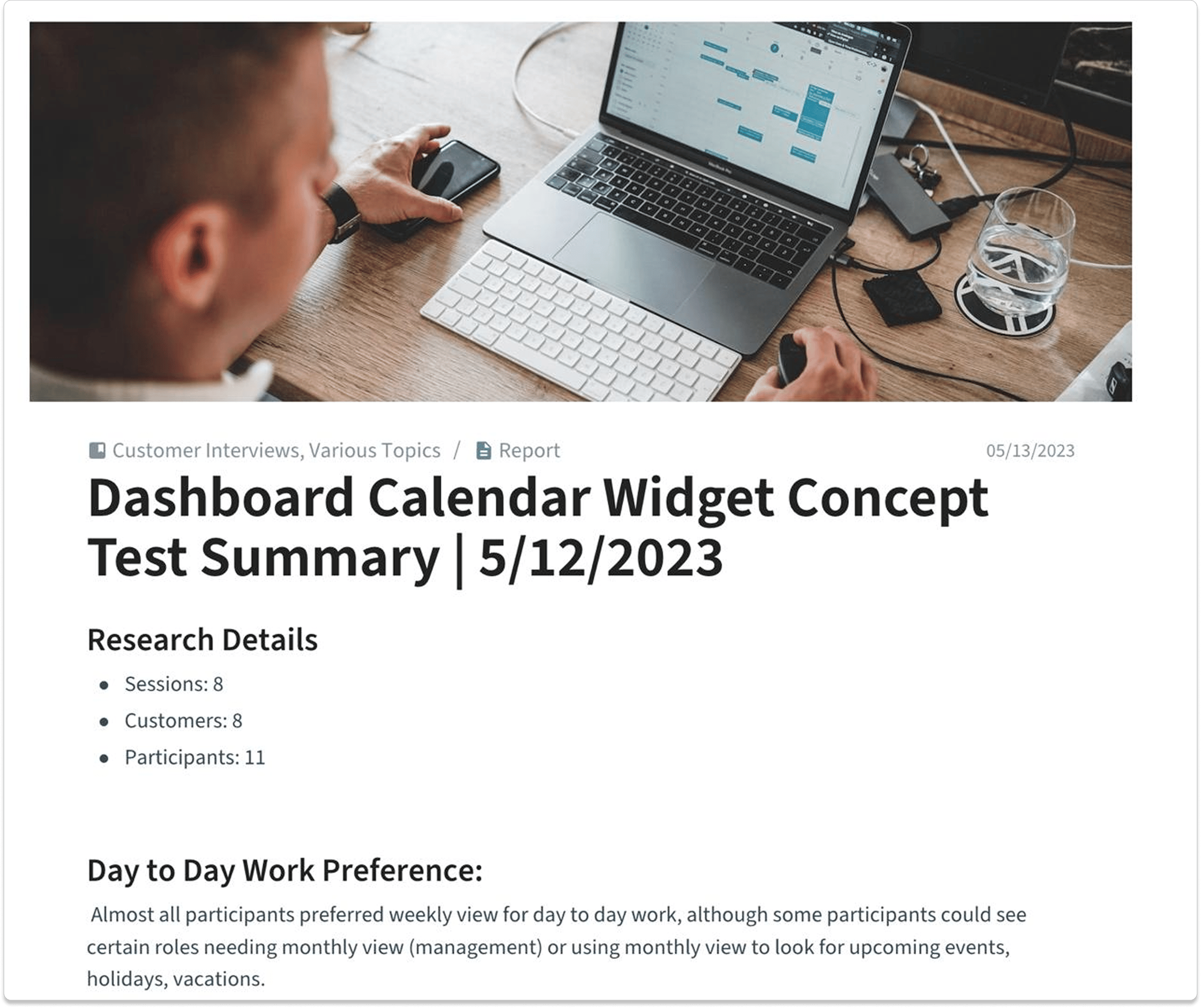
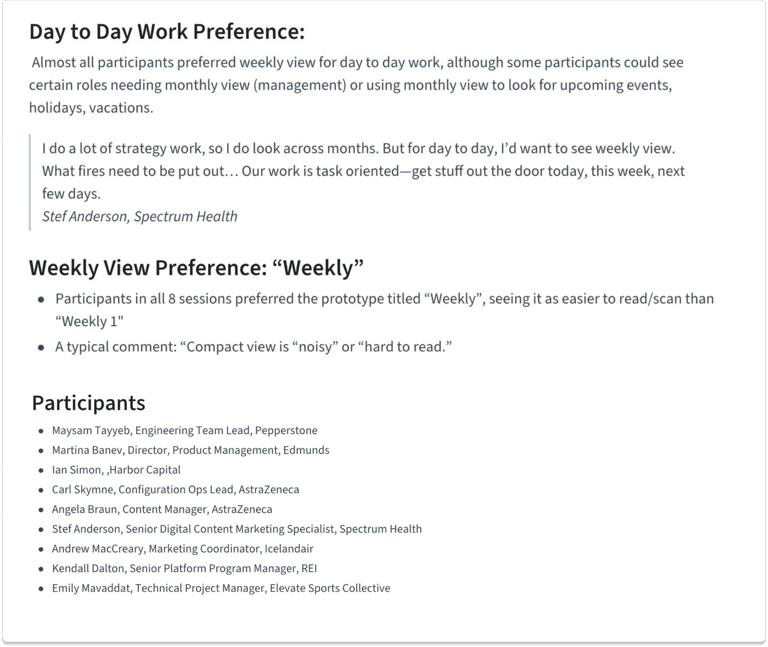
Research findings and workflow preferences from user interviews.
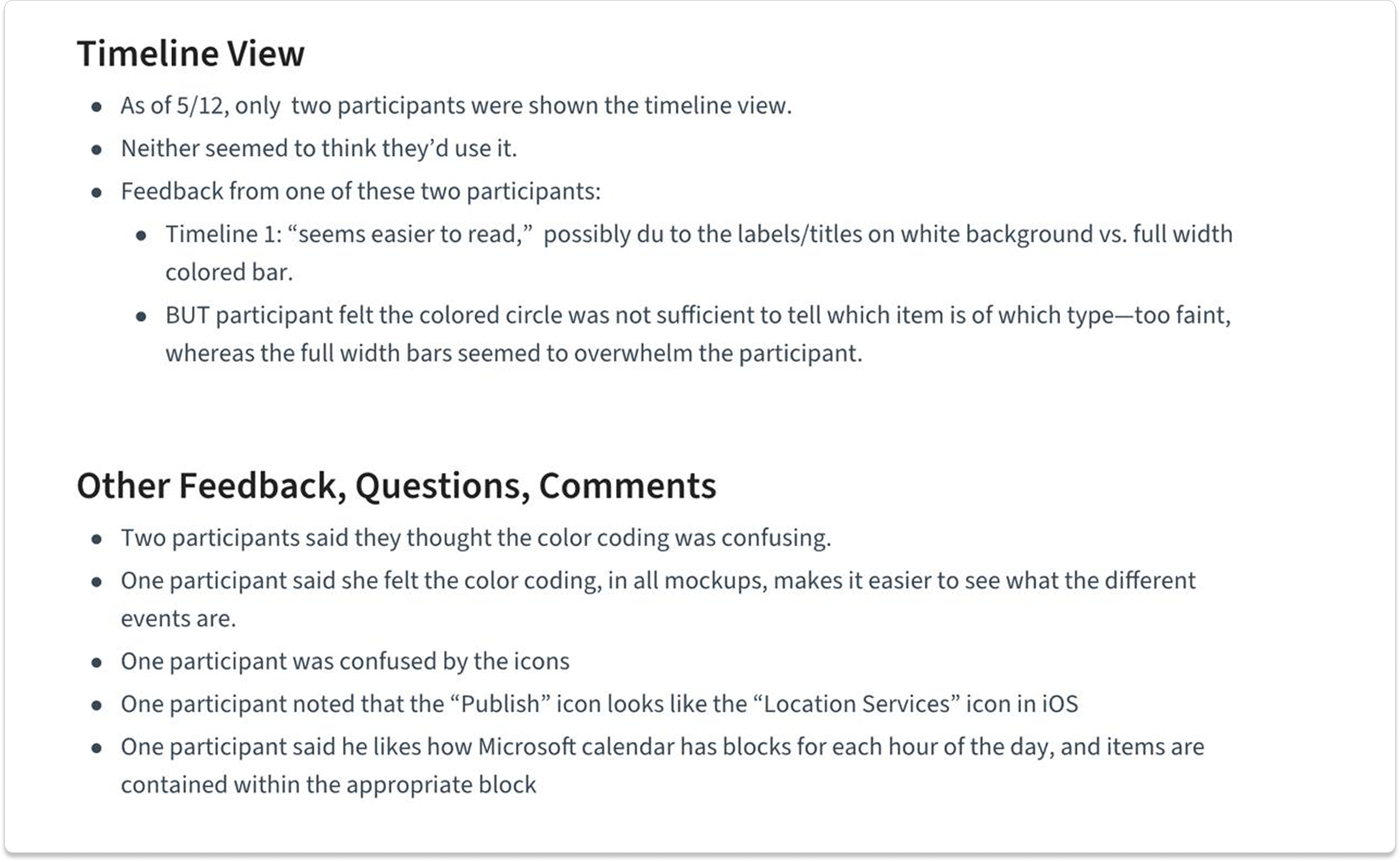
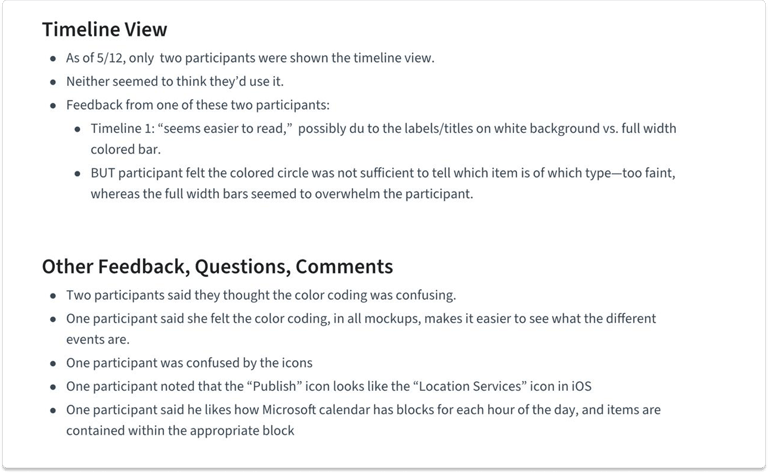
Timeline view observations and usability feedback.
Monthly view preference analysis across design iterations
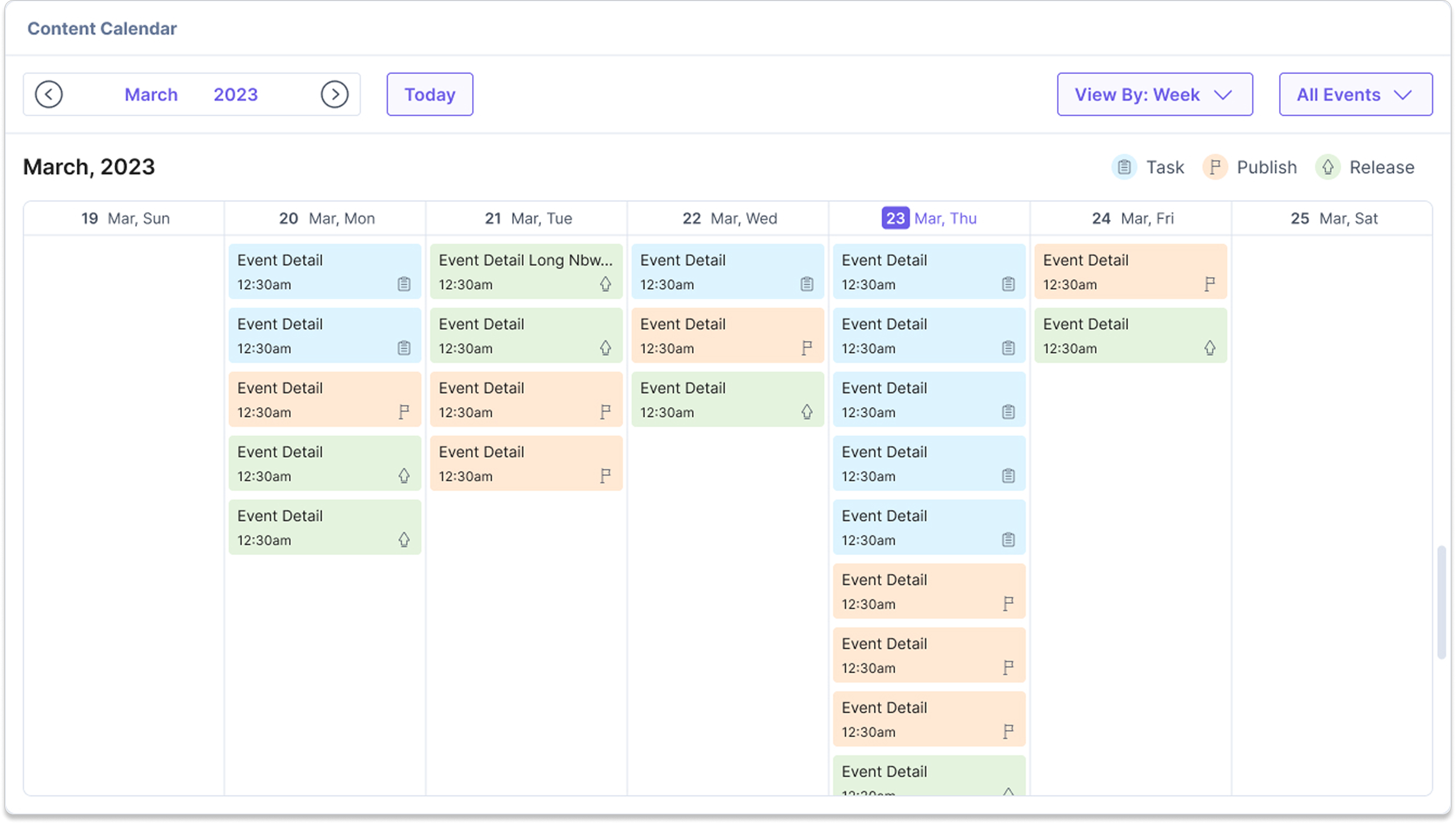
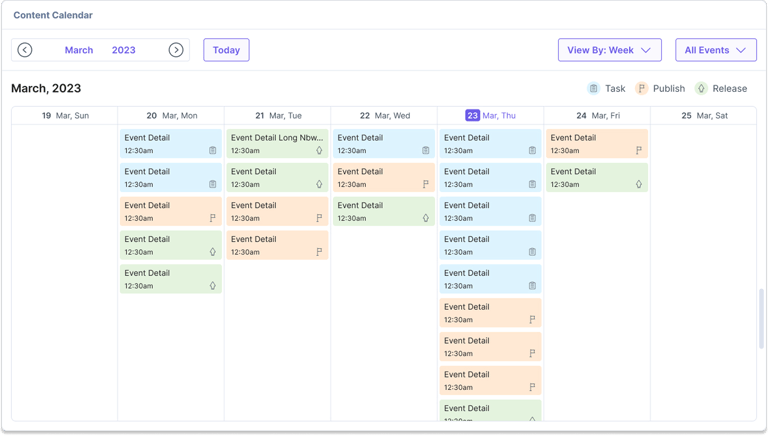
Weekly planning patterns and preferred workflow views.
My role
I worked on shaping the planning experience, testing information density, defining what should stay visible, and deciding where restraint mattered more than feature depth.
Outcome
Calendar and Kanban helped shift Contentstack from a passive content repository into a more active operational hub. Teams could plan, review, and move work with much less friction.
Impact:
Improved visibility into content schedules
Simplified workflow planning and tracking
Reduced context switching across planning tasks
Enabled flexible planning through Calendar and Kanban views
Final designs for the Calendar app
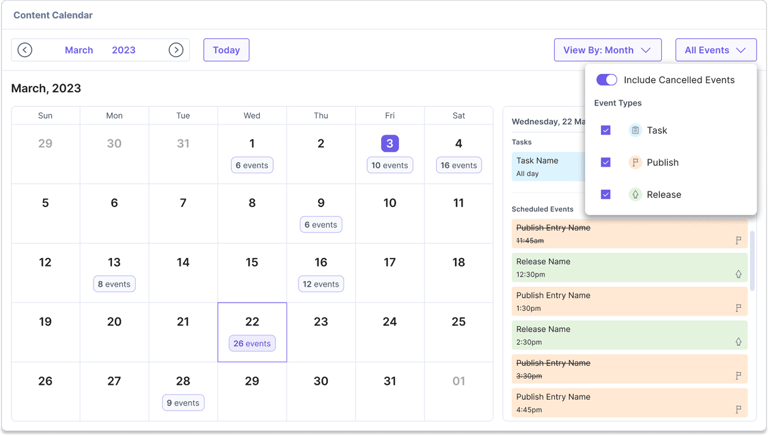
Month view with event filters: View scheduled activities across workflows
Day details in context: See event information without leaving the calendar
Week view preferred by users: Quickly scan and plan upcoming work
Timeline view exploration: Detailed event sequencing for time-based tracking
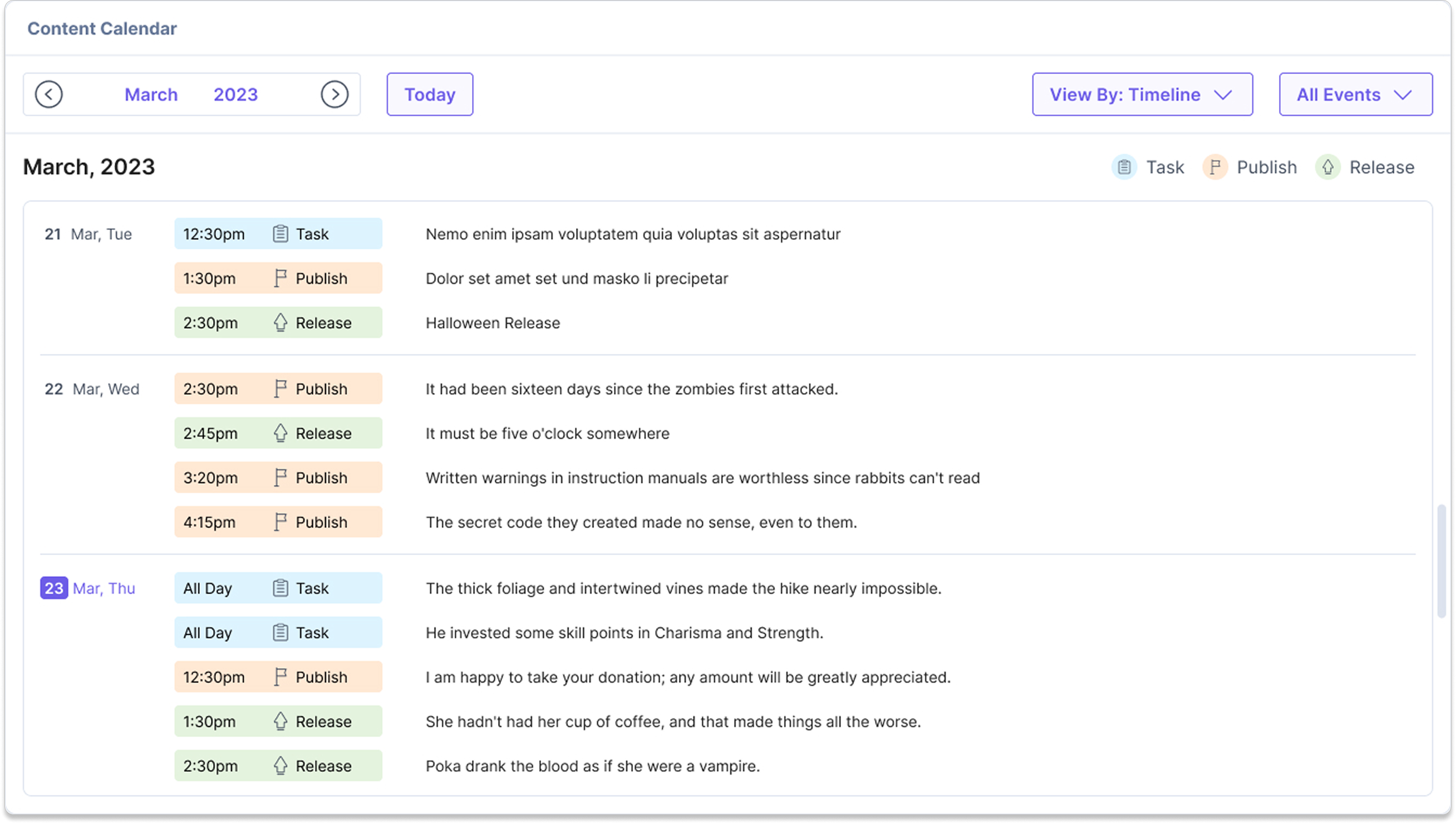
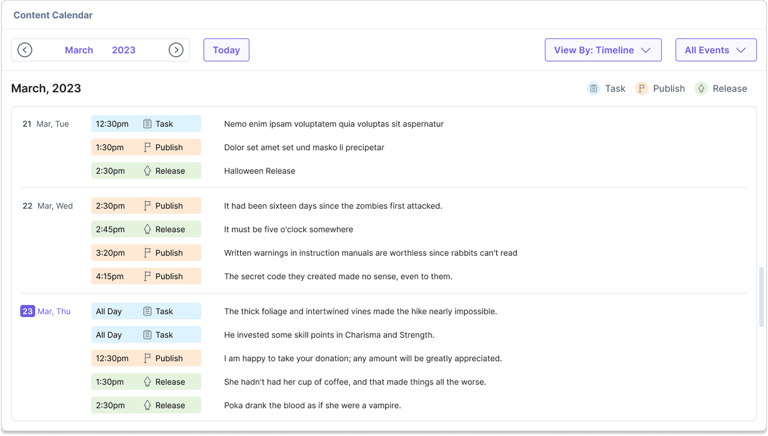
Instead of requiring users to jump across multiple areas of the CMS, we brought planning, tracking, and action taking into dedicated workflow views.
Final designs for the Kanban board app
Default board view: View entries grouped by workflow stages
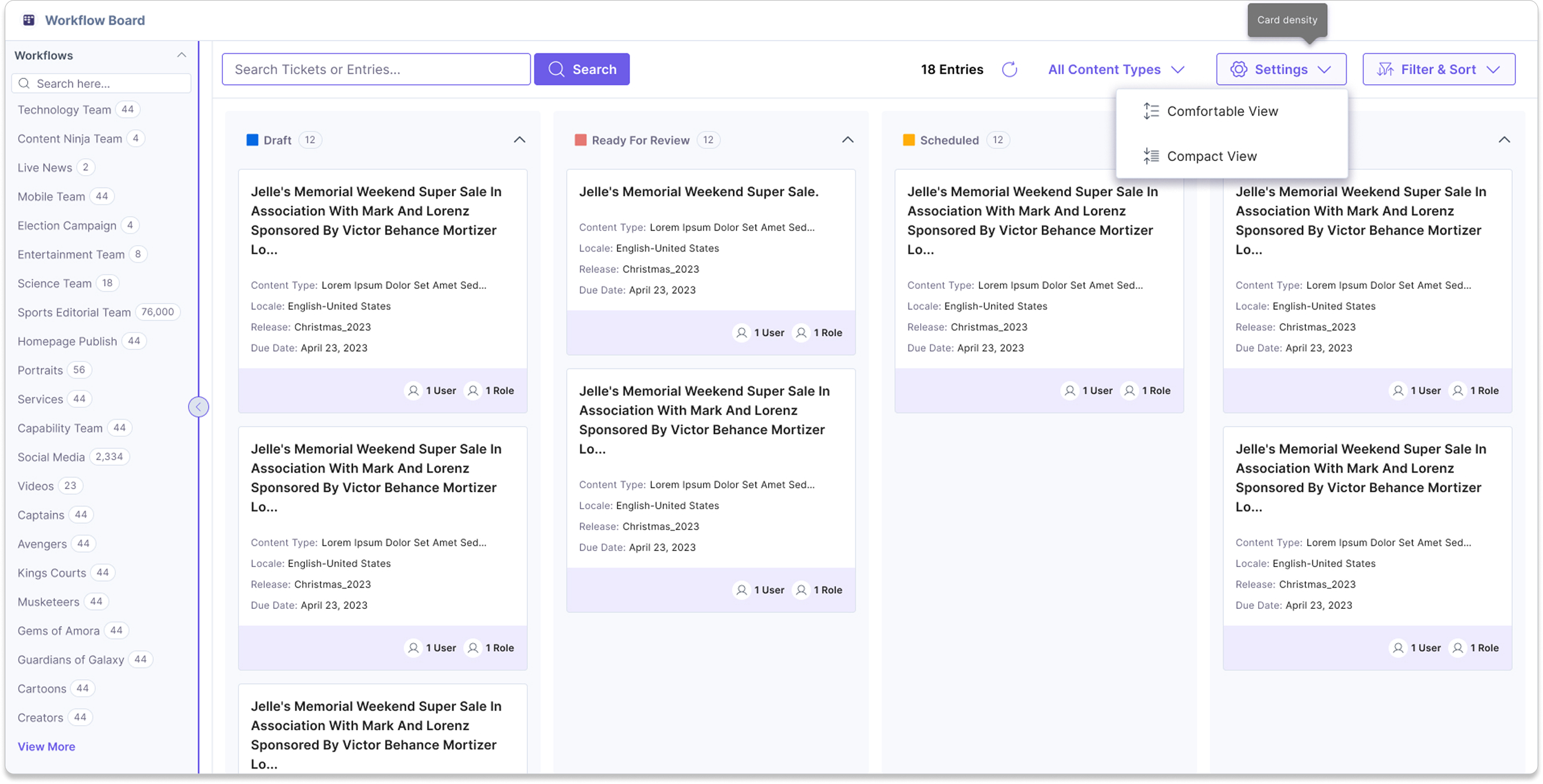
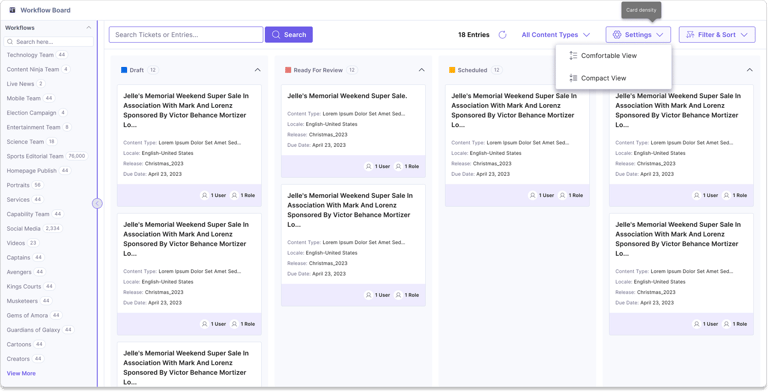
Drag and drop workflow movement: Move entries across workflow stages
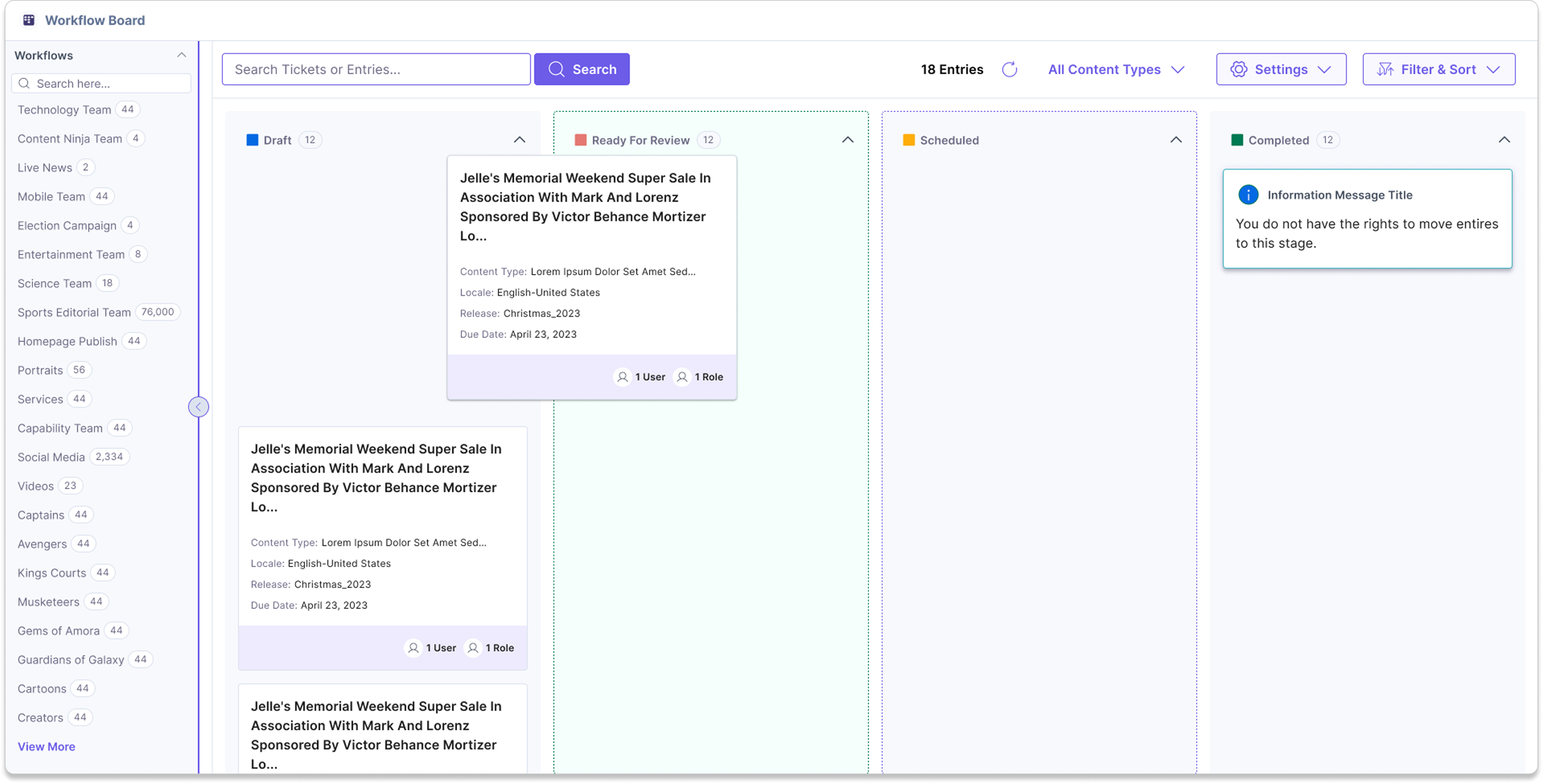
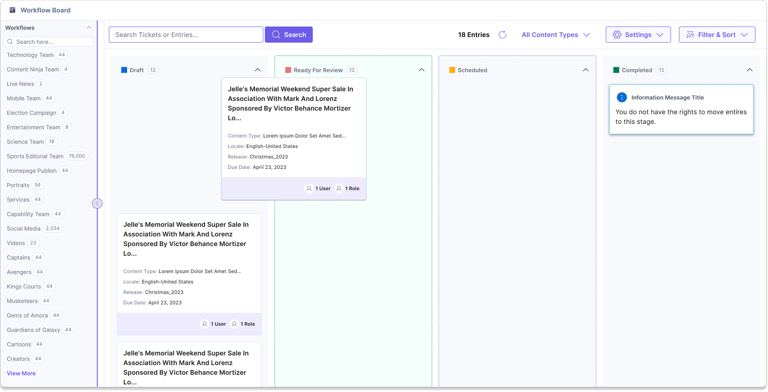
Handling large workflow canvases: Support workflows with many stages
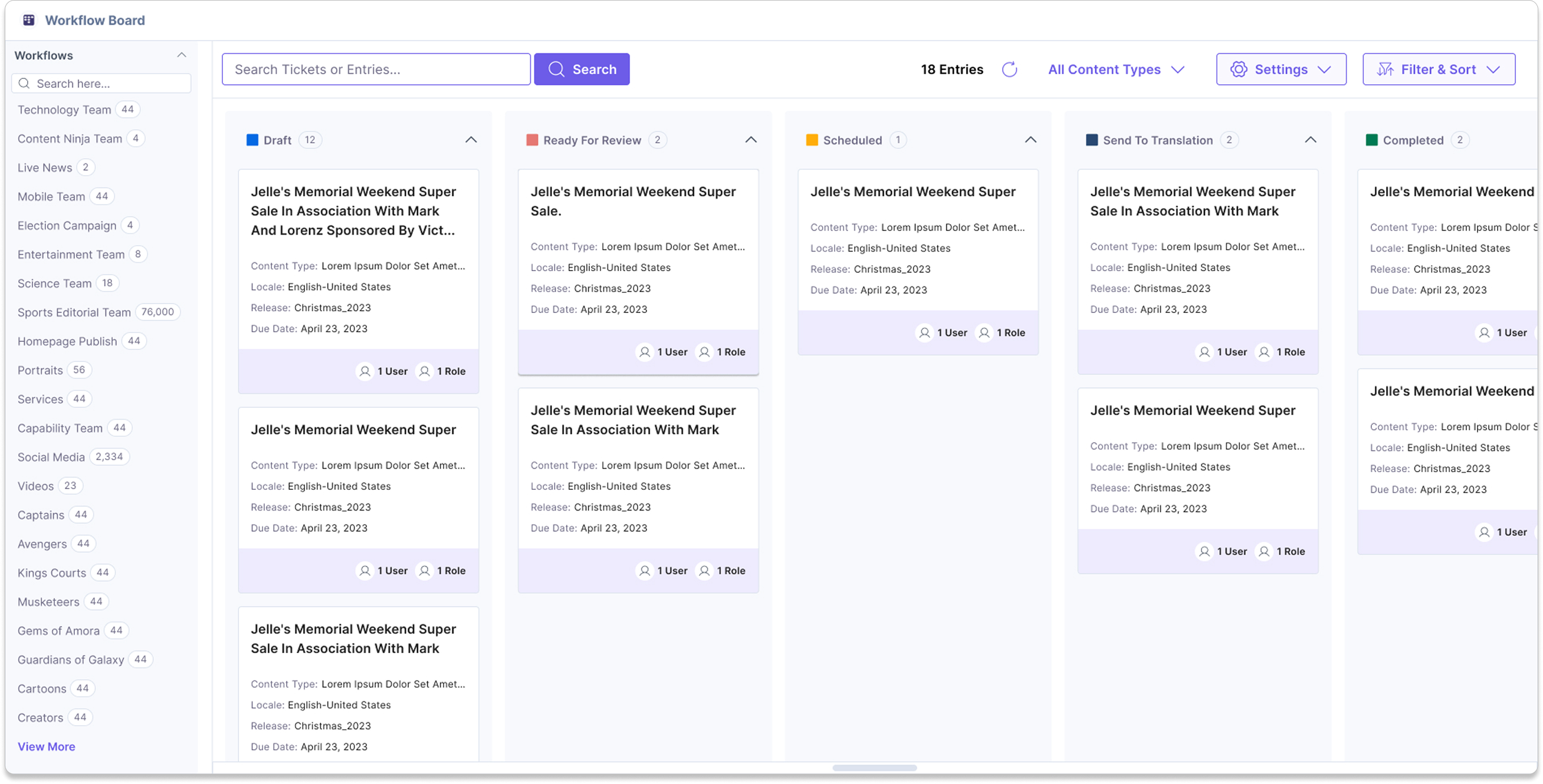
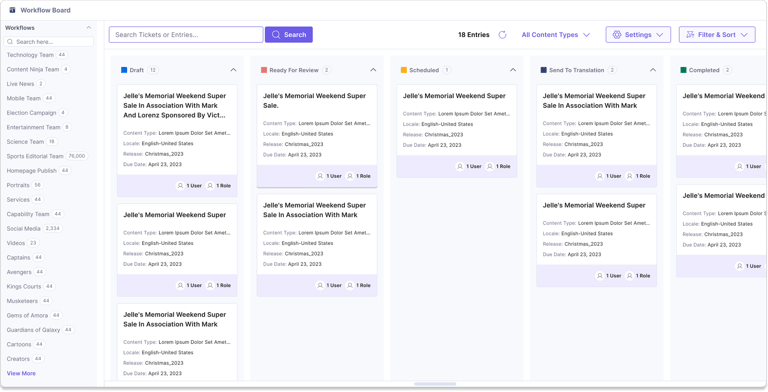
Compact and permission-aware cards: Reduce visual density while respecting access controls
Shifted the platform from a database to an operational hub, leading to high daily active usage among the largest retail accounts.
What I would do differently today
I would explore AI assisted planning summaries, blocked work detection, and smart recommendations. But I would still avoid overloading the interface. More options do not always make a product better. Fewer options with a clear purpose often help users more.
Continue Exploring




Let's build better products.
Whether you're hiring for a product design role, building an enterprise platform, or looking to improve complex user experiences, I'd love to hear from you.